
DevSoft · Biomechanics software
CGAS Qt Manager
Bring your gait analysis data together.
A desktop application for organising clinical gait analysis records, C3D files and motion graphs in one connected workflow. Built around the practical needs of movement analysis laboratories.
Public installation package: coming soon.
Clinical data, organised around the assessment
CGAS Qt Manager connects patient assessments, C3D trials, metadata and motion graphs with tools for cycle review, grouping, comparison and report output. It is designed for clinicians, biomechanists, physiotherapists, gait laboratory staff and researchers.
Two routes into your data
Review cycles imported directly from C3Ds, or validate and import harmonised Motion Connect CSV outputs with companion C3D storage.
Representative cycle selection
Use Cycle Quality ranks and rank filters to select representative cycles while retaining the source data.
Groups and graph output
Create group mean curves and SD bands, overlay conditions and references, then plot, render and export outputs.
Explore the application
Swipe or scroll horizontally through the screenshots.
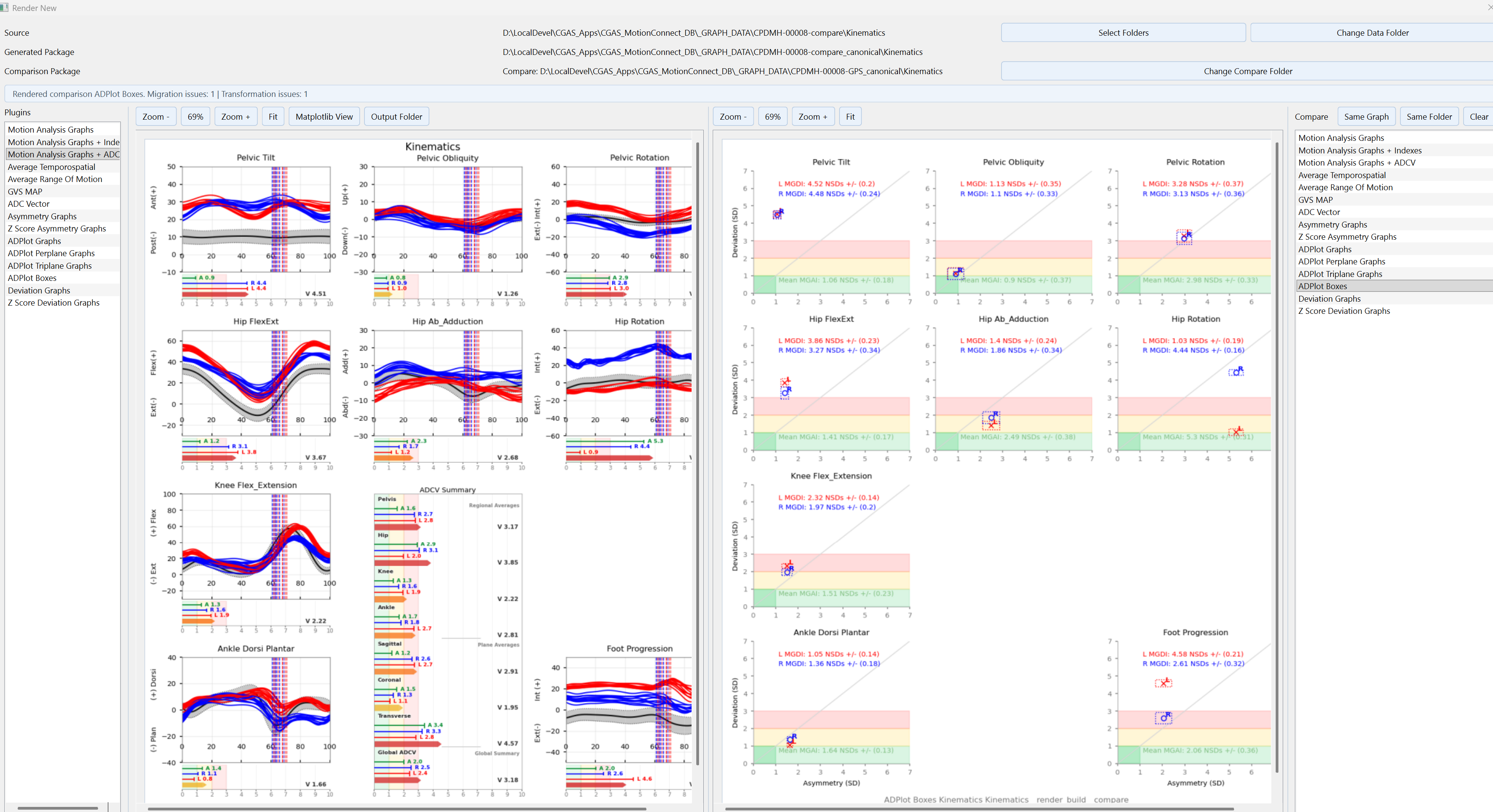
Featured view
Graph Compare — motion curves and ADPlot Boxes
Review motion analysis curves and ADPlot Boxes side by side. Select the image to explore the full-size screenshot.
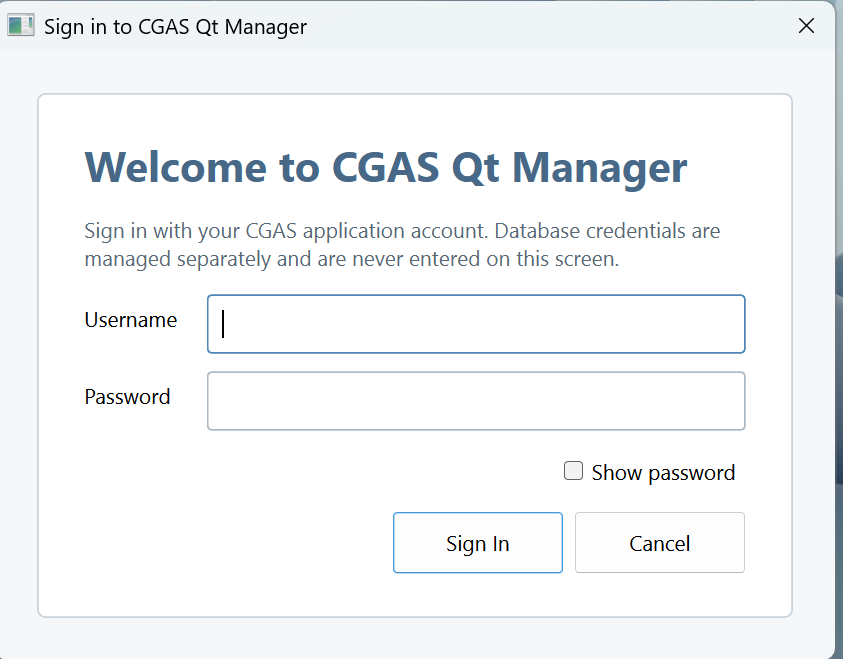
Sign in
Named application accounts provide access to the functions assigned to each role.
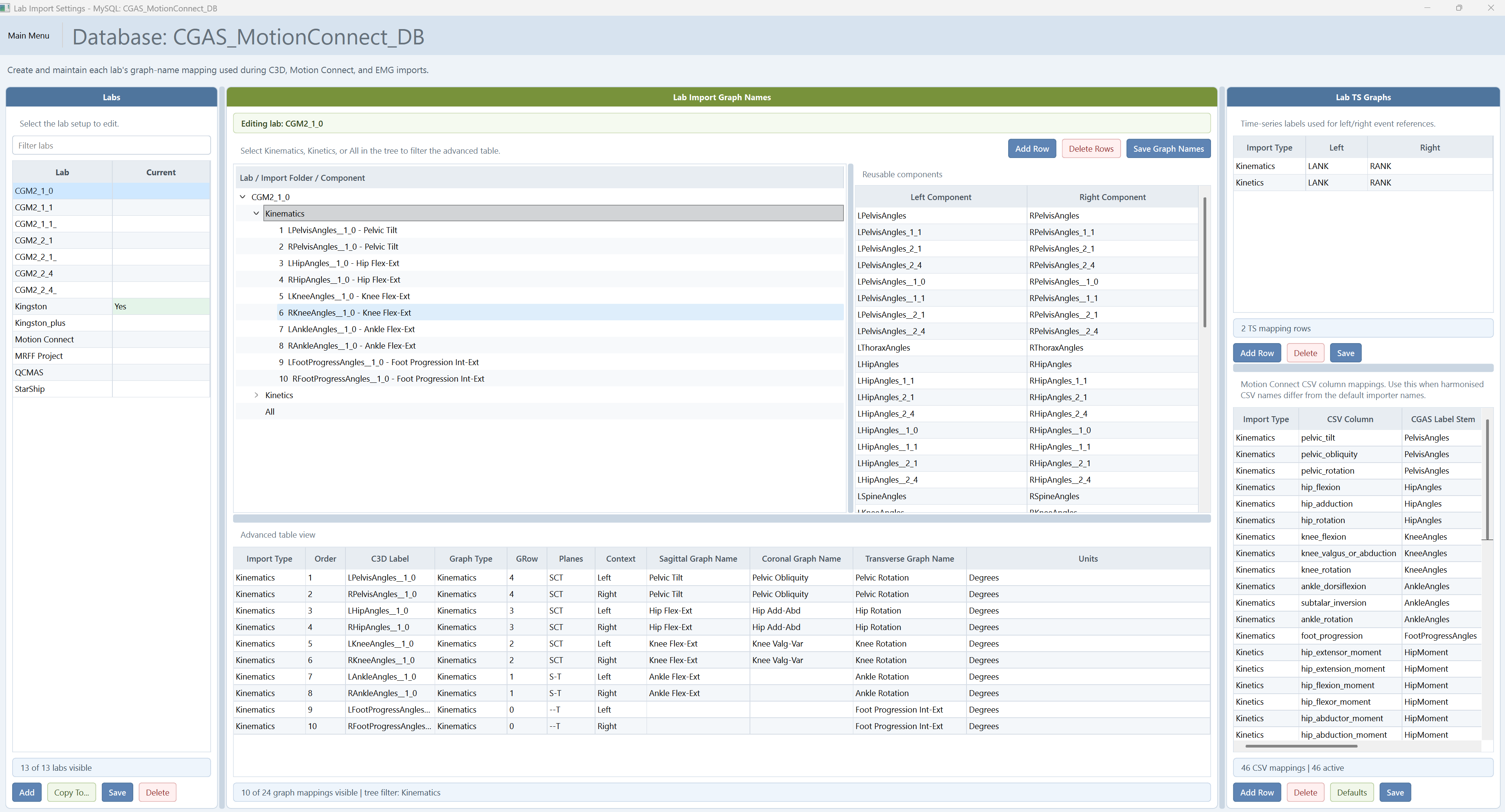
Lab Import Settings
Configure C3D labels, graph names, contexts and Motion Connect CSV mappings.
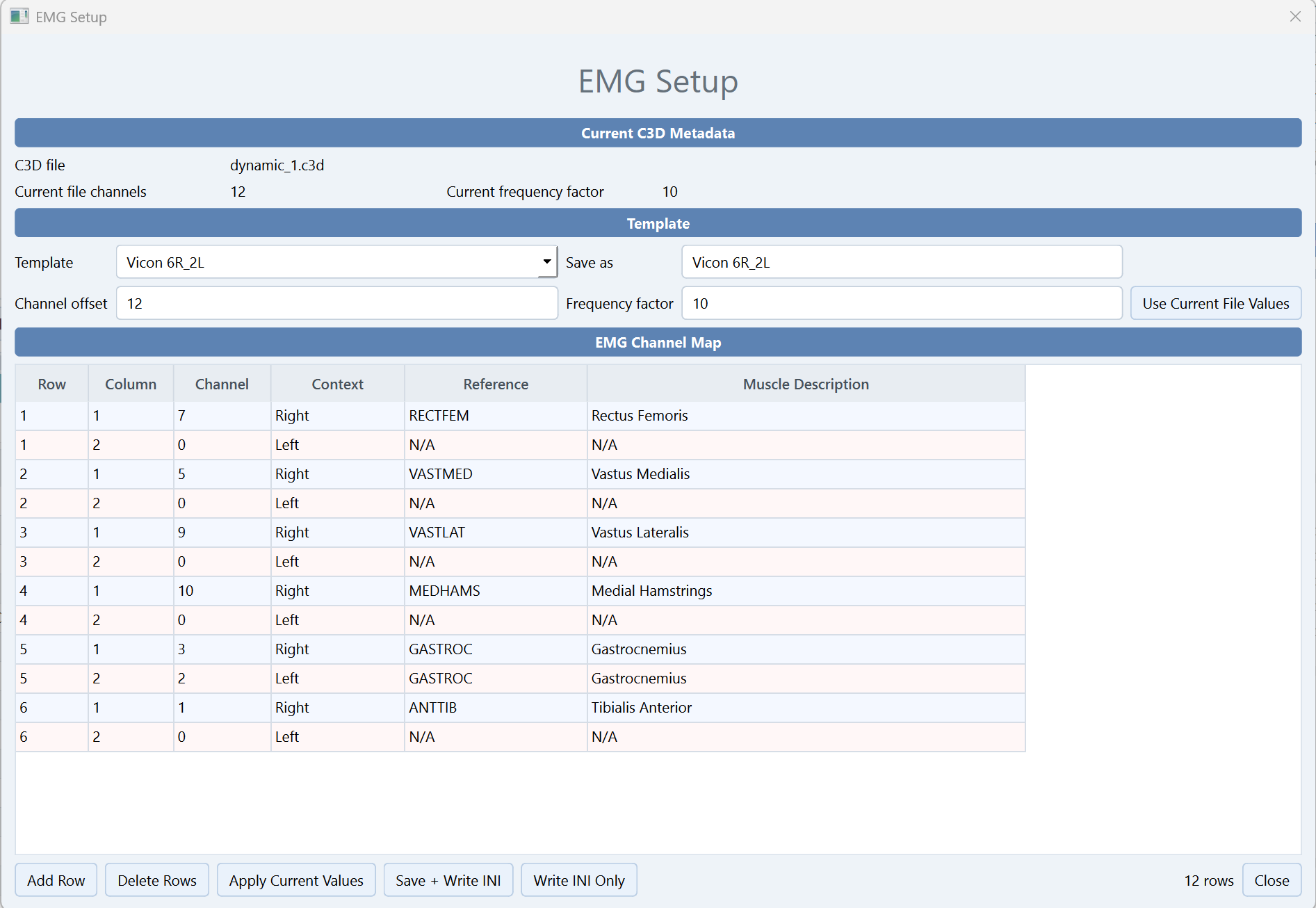
EMG Setup
Select templates and map channels to muscles and left/right contexts.
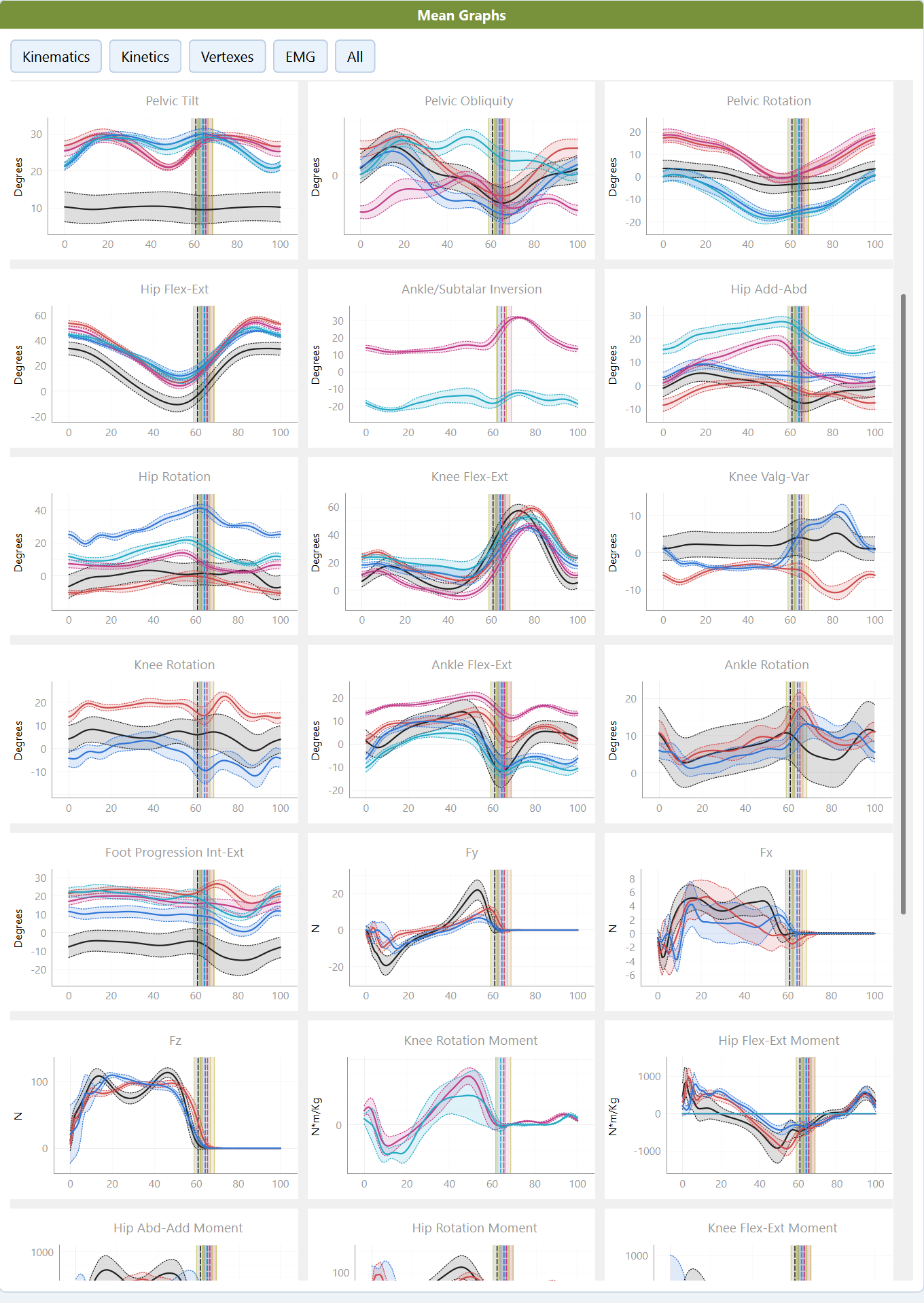
Group Graphs
Compare group mean curves and variability across selected datasets and reference data. Select the image to view it at full size.
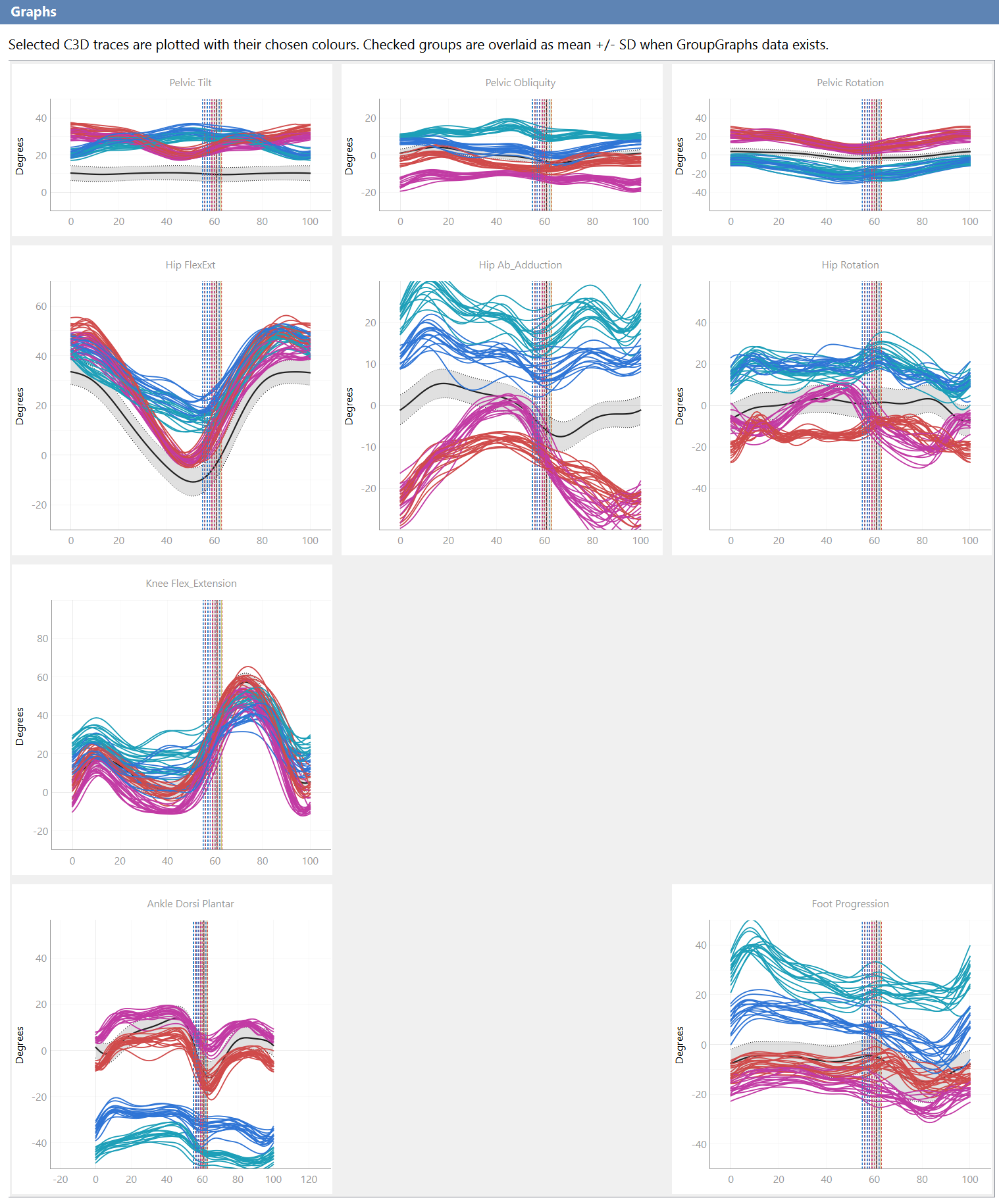
Plot Graphs
Overlay selected gait cycles and reference curves to review movement patterns and prepare graph output. Select the image to view it at full size.
Product guides
Getting Started
Windows 11 requirements, MySQL installation, First Run Setup and acceptance testing.
Clinical Workflow
Patients, assessments, imports, Cycle Quality, groups, EMG and graph output.
Technical Setup & Administration
Runtime, storage, lab mappings, permissions, backup and troubleshooting.
At a glance
| Documented release | Version 1.0.0 in the supplied manuals |
|---|---|
| Installation target | 64-bit Windows 11 Pro or Enterprise |
| Database | MySQL; the installation guide recommends 8.4 LTS for new systems |
| Runtime | Private Python/Qt runtime supplied with the installer |
| Data workflows | C3D, Motion Connect CSV, kinematics, kinetics, EMG, metadata and spatiotemporal data |
| Outputs | Rendered graph images and patient, assessment or group exports |
| Access | Application users, roles, lab/institution restrictions and audit review |
From patient records to motion graphs
Keep the context behind each assessment close to the data you need to review.
Manage assessments
Organise patient records, assessment sessions and associated C3D files through the Data Manager.
Review motion data
Bring imported gait data into a graph-based workflow for review and comparison.
Organise analysis groups
Use grouping tools to organise trials and support consistent analysis across selected datasets.
A workflow shaped by laboratory practice
- Organise: select the patient and assessment, and connect the relevant files.
- Review: inspect imported data and motion graphs.
- Compare: organise trials into groups and examine the results in context.
Database selection supports working across laboratory, development and test environments. Login and user management provide a structured entry point to the application.
Getting ready for public installation
CGAS Qt Manager is being prepared for wider availability, with installation instructions and user documentation.
Downloads and release details will be added here when the public package is ready.
Explore the CGAS Qt Manager project overview for further information.
Built by DevSoft
Practical software for biomechanics, clinical data and real-world workflows.